In this guide
SHARE
SignDex offers flexible billing options designed to scale with your organization. This guide explains how to manage your subscription tier, add team members, and configure compliance add-ons like Local CA certificates.
Understanding Your Plan
Your dashboard displays your current plan code and usage statistics (Envelopes Used vs. Quota). [cite_start]Here is a quick reference of the available tiers[cite: 2]:
| Code | Plan Name | Users | Envelopes |
|---|---|---|---|
| T | Trial | 5 | 100 |
| S | Small | 5 | 100 |
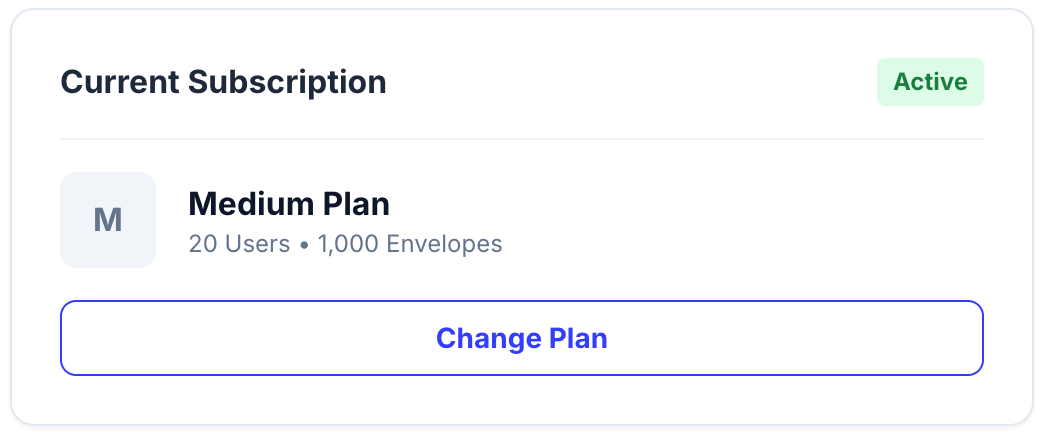
| M | Medium | 20 | 1,000 |
| L | Large | 100 | 5,000 |
| XL | X-Large | 300 | 10,000 |
Upgrading & Downgrading
To change your plan, navigate to Settings > Billing > Subscription.
Note: Subscription upgrades take effect immediately. The price difference will be charged on a pro-rata basis for the remainder of your billing cycle.
Managing Users
Admins can add users up to the quota limit of their specific plan.
- Plan S & T: Limit 5 users.
- Plan M: Limit 20 users.
- Plan L: Limit 100 users.
- Plan XL: Limit 300 users.
Need more seats? Consider upgrading to the next tier. [cite_start]We do not currently offer “per-user” add-on pricing; tiers are fixed packages[cite: 2].
Compliance Add-ons
You can purchase High-Assurance signing quotas on top of your base subscription. [cite_start]These are cumulative and linked to your active subscription[cite: 5].

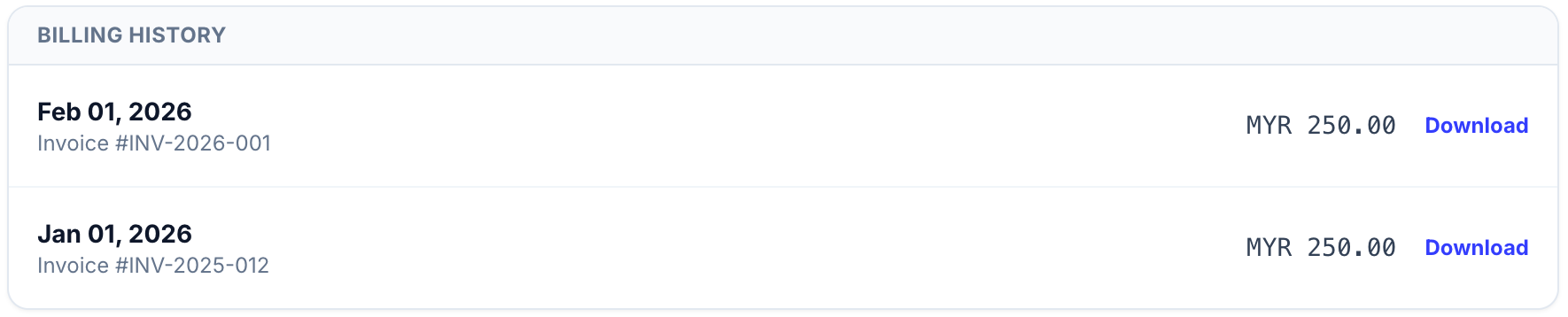
Invoices & Payment Methods
We accept major credit cards (Visa/Mastercard) and FPX transfers for all online plans. Enterprise clients (Plan L and XL) may request invoice-based payment terms.